
2026 Autumn Edition - Employer Newsletter
PERS Optional Membership Forms
Remember to print clearly when enrolling your new employee as a PERS Optional Member so that we can make sure we input the most accurate information for our members.
Who should be given an Optional Membership Form?
- Employees who will work under 960 hours in a fiscal year in a PERS-covered position – they must be given an Optional Membership Election Form to elect or decline PERS membership.
Who should not be given an Optional Membership Form?
- Employees who will be working full-time - they are required to contribute to PERS.
- Employees who are already a member of PERS – they are required to contribute to PERS.
- Employees in an exempt or excluded job classification position.
Use this flow chart to determine who should be given an Optional Membership form: https://mpera.mt.gov/_docs/forms/Employer/OMEelectionflowchartnon-SD.pdf
Voiding Invoices
You’ve created an invoice and then found an error. What should you do?
- If it is an invoice created from a regular payroll report - you can void the invoice. Click "void" at the top of the invoice screen. This will re-open your Employer Report so you can make necessary changes.
- If it is an invoice created from an adjustment - you must reach out to MPERA to help void your invoice so you can make changes to the adjustment.
However, when there are state contributions - please remember these important details:
- The state contribution rates vary by employer and system. Review the Contribution Rates on our website for further information. These contribution rates are paid on all payroll and adjustments.
- When you create an invoice in ERIC, MPERA automatically creates an associated invoice for the state to pay their portion. At the beginning of each month, these invoices are paid by the state.
- After the state has paid their portion, we will not allow employers to void an invoice.
- If it is too late to void invoices, you will need to pay the invoice and then do necessary adjustments after.
Late Payroll Reminders
As of September 14, 2026, our system will be sending automatic reminders when your payroll report is overdue. These emails will come from doamperaonline@mt.gov.
Thank you for your attention to getting your payroll reports in promptly.
Upcoming Webinars
Member Webinars
Please share our upcoming Webinar Schedule with your employees:
- PERS New Member Plan Choice - September 9
- Leaving, but not Retiring - September 10
- 457(b) Enrollment & Overview - September 15
- PERS Defined Contribution Retirement Plan (DCRP) Review - September 16
- Retirement Readiness - September 21
- PERS New Member Plan Choice - September 22
- Options for Job Changers and Retirees - September 22
- Ready to Retire for PERS Defined Benefit Members – September 23
- Leaving, but not retiring – September 24
- Municipal Police Officers’ Retirement System (MPORS) Ready to Retire – September 29
Employer Webinars
If you are a new payroll clerk or are looking for a refresher, register for an upcoming Employer Training Webinar:
- ERIC Enrollment and Final Payout Tips - September 9
- Optional Membership Training – September 16

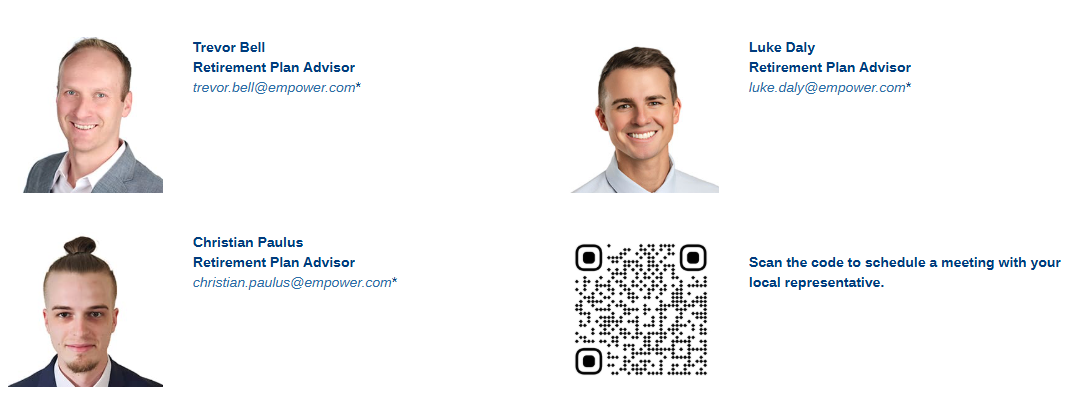
Meet Your Montana Empower Reps
Empower Retirement is the State of Montana’s recordkeeper for the 457(b) Deferred Compensation Plan and the PERS Defined Contribution (DC) Plan.
Montana has three Empower representatives to help members meet their retirement goals. Our Montana reps meet with members daily, either in-person or virtually. They are also available to schedule a visit to your location to meet with members. You can reach out directly to them at any time.
Quick Tips
- The comments box in the Payroll Details tab is a helpful place to enter information about the pay type. If you have an employee who is receiving pay outside of normal regular hours, please consider leaving further information in this comment box. This will help MPERA understand why a member is getting additional pay and can prevent questions in the future.
- Reminder: When you use the "shift differential" pay type, do not report any hours under it. All hours should be entered in the "regular pay" detail only, and should not be duplicated in the "shift differential" detail.